🚀 Layout Rules That Make UI Feel Instant

If performance feels bad, look at your layout first. Think like a renderer: every container is work. Reduce nesting, cut overdraw, keep the tree shallow, constrain sizes, and let virtualization do the heavy lifting ⚡
🧩 Minimize layout complexity Flatten hierarchies; avoid stacks inside stacks Prefer a single well-planned Grid; constrain sizes instead of relying on “Auto” everywhere Keep heavy effects modest in scrolling lists: shadows, clipping, corner radius
🏎️ Prefer CollectionView over ListView or BindableLayout
Built-in virtualization
Built-in incremental loading
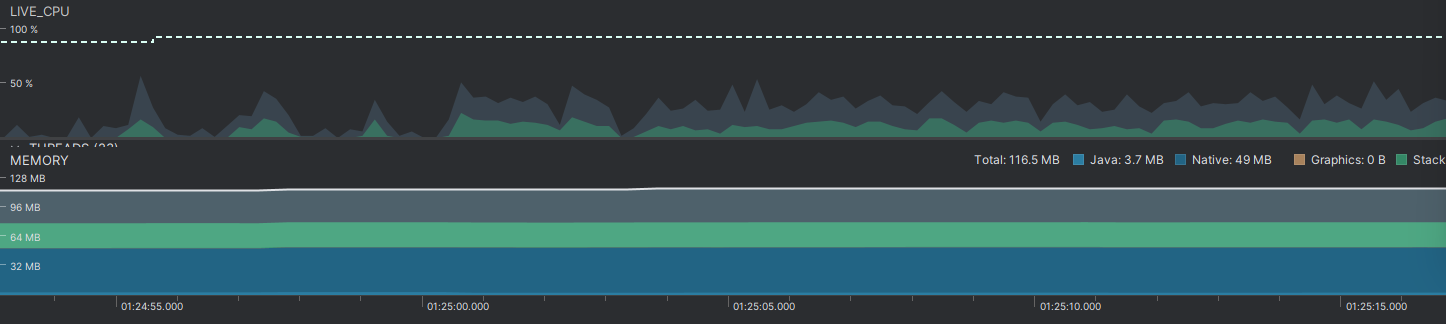
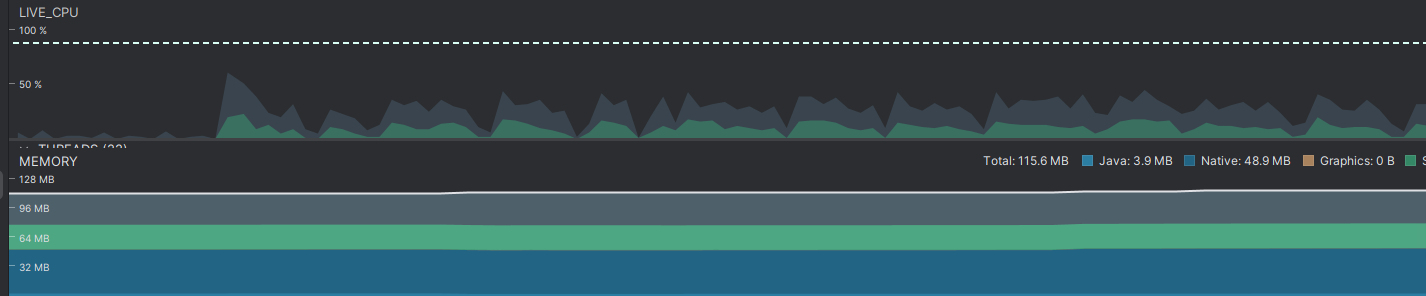
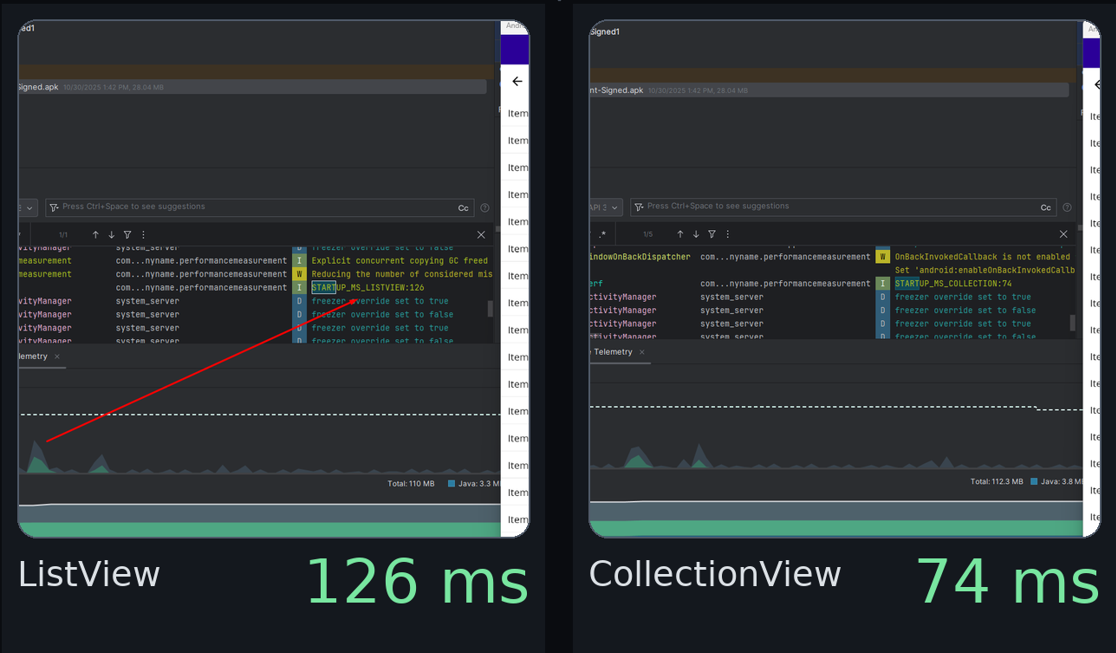
Quick test (Release): CollectionView vs ListView using the same ItemsSource, 2,000 items, text-only template, fixed row height.
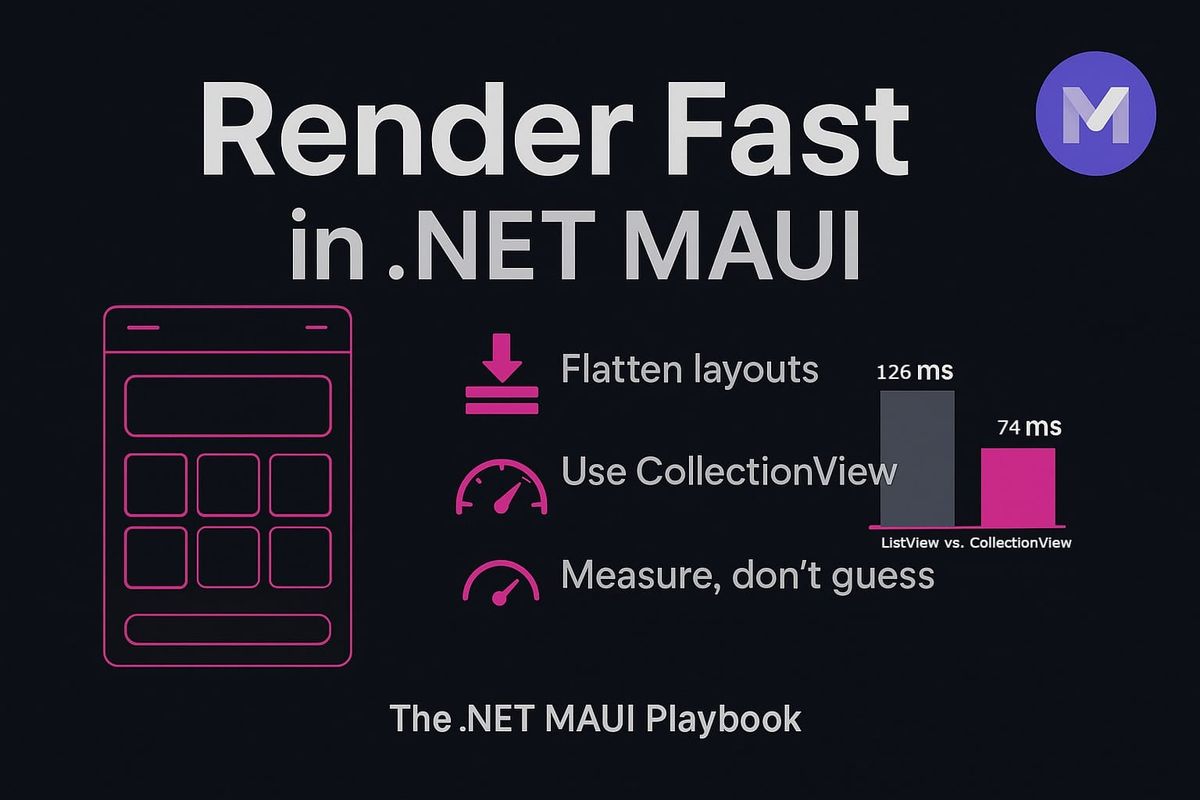
Startup results: ListView 126 ms vs CollectionView 74 ms (~41% faster) ⏱️Check the screenshots and notice the difference.
♻️ Manage resources efficiently Think of your UI like a backpack. Only carry what you need on screen right now.
Right-size and compress imagesBig images cost memory and time to draw. Export them closer to the size you actually show.
Use compression so they load faster without looking blurry. Lazy-load off-screen media. Load images or videos only when they are about to enter the viewport, not all at once. Your list opens quicker and scrolling stays smooth.
Measure after each tweak Do a quick “before vs after” check: time to first item visible, frame time while scrolling, and memory on that screen. Keep the change only if the numbers improve without regressions.